
From signal to fill, untouched.
Your ZynAlgo signals, auto-executed on MetaTrader 4 & 5 or Binance & Bybit. Entry, stop and target set the instant the chart fires, sized from your risk.
$39/month · $249/year · $497 lifetime — 2 accounts included
Three nodes. Zero clicks.
From the chart to your broker in one unbroken line. Set it once and the engine does the rest, on every signal.
- Signal sourceTradingViewYour ZynAlgo indicator prints a signal the moment the bar closes. Zero repaint. What fires is final.
- The bridgeZynAlgo EngineThe automation engine reads the alert and translates it into a clean broker order: direction, size, stop and target.
- Auto executionMetaTrader 4 & 5Entry, SL, TP and trailing are placed on your account in the same second. You never touch the keyboard.
One webhook URL connects the two sides: paste it into your TradingView alert and into the EA.
You mastered trading. Now master consistency.
The signals were never the problem. Execution was. Automation removes the one variable you can’t control: yourself.
- ✕Missed entries the moment you step away
- ✕Emotional calls: fear, greed, hesitation
- ✕Late exits and inconsistent results
- ✕Constant chart-watching and stress
- ✕Manual TP / SL on every single trade
- ✕No real 24/7 coverage of the market
- ✓Executes every ZynAlgo signal instantly
- ✓Zero emotion, 100% logic and timing
- ✓Auto TP, SL and trailing on entry
- ✓Trades 24/7, even while you sleep
- ✓Smart position sizing and risk control
- ✓Plug & trade, MT4 and MT5 ready
Traders switching to automation reported an average +37% improvement in monthly consistency.*
Real trades, real fills.
Every fill below was placed by the engine: entry, stop and target set automatically the second the ZynAlgo signal fired.
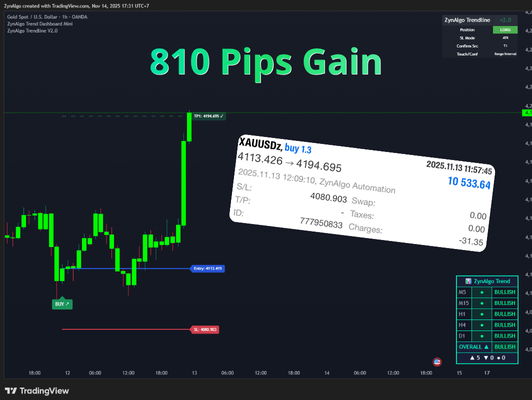 Verified fillXAUUSDBUYClosed · TP hit
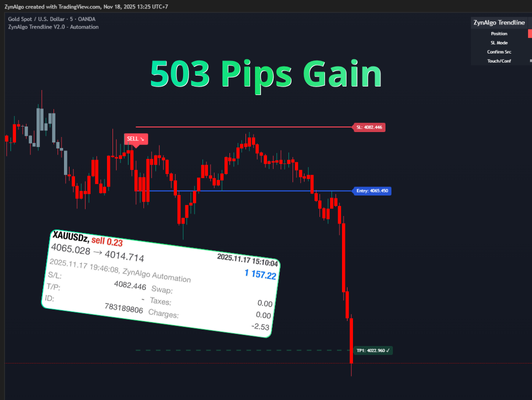 Verified fillXAUUSDSELLClosed · TP hit
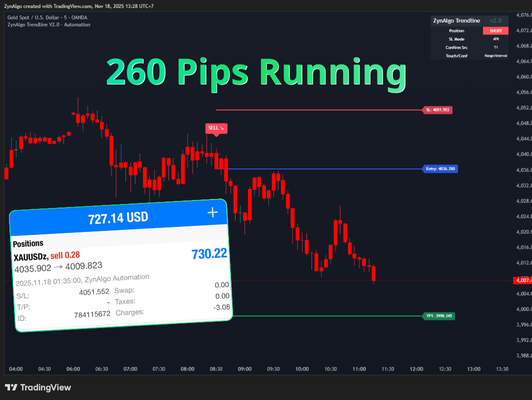 Verified fillXAUUSDSELLRunning · trailing
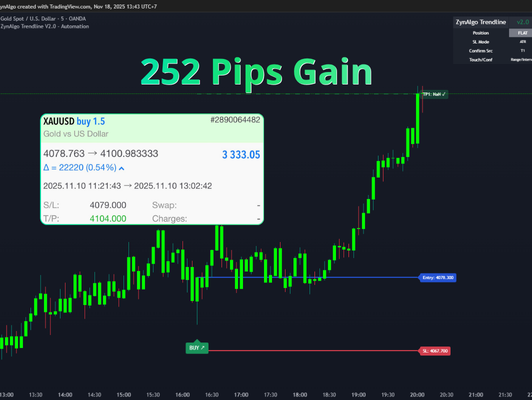 Verified fillXAUUSDBUYClosed · TP hit
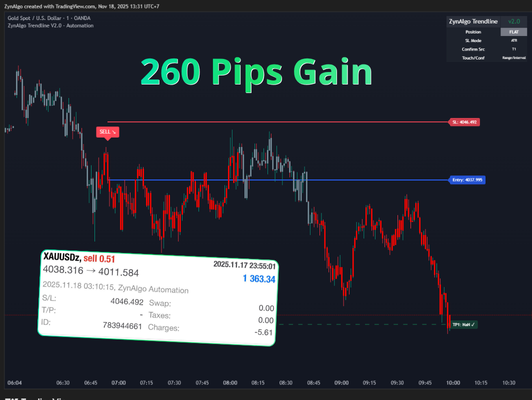 Verified fillXAUUSDSELLClosed · TP hit
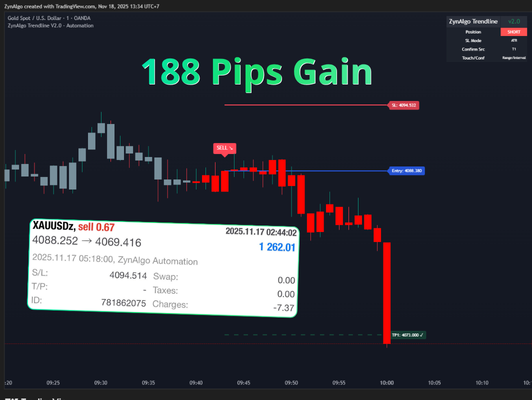 Verified fillXAUUSDSELLClosed · TP hit
Tagged “ZynAlgo Automation” in MetaTrader. Individual trades shown. Past performance does not guarantee future results.
See it in action
Built to trade the way you set it
They stopped clicking. Now they just let it run.
Real traders who upgraded the signal to full automation. Tap any screenshot to view the proof full-size.
“The EA fires every signal the second it prints. I stopped missing the 2 a.m. gold moves completely.”
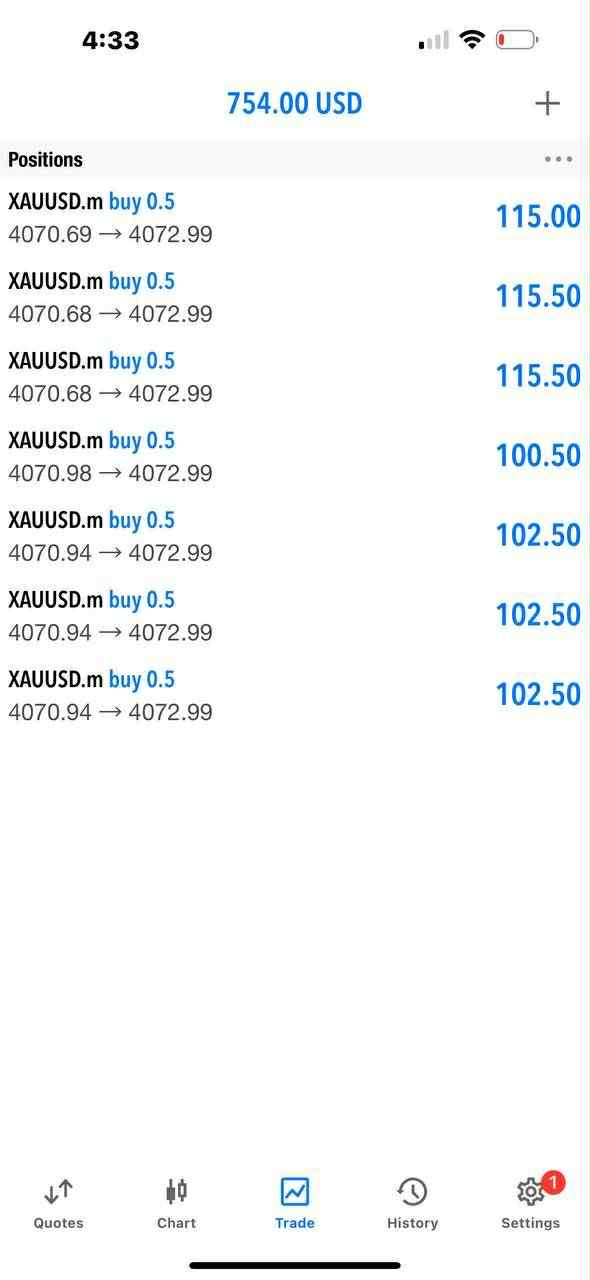
“I set my risk once and walked away. Entry, TP ladder and stop all handled, my results finally look consistent.”
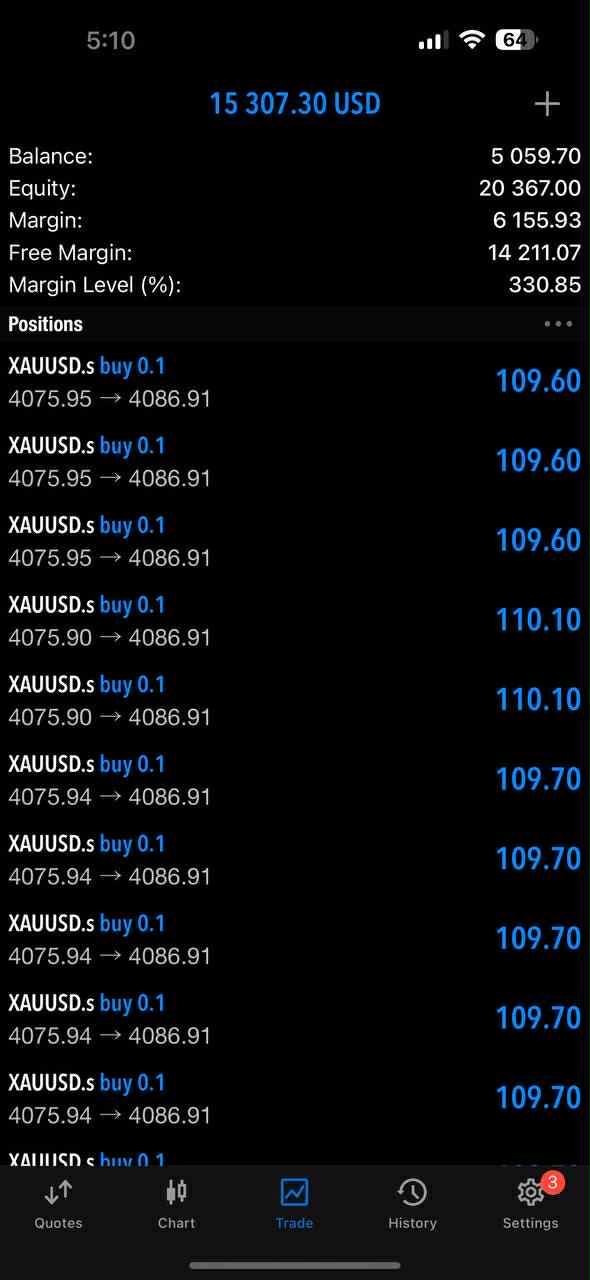
“Zero emotion now. The automation executes the plan exactly. I just check my account at the end of the day.”
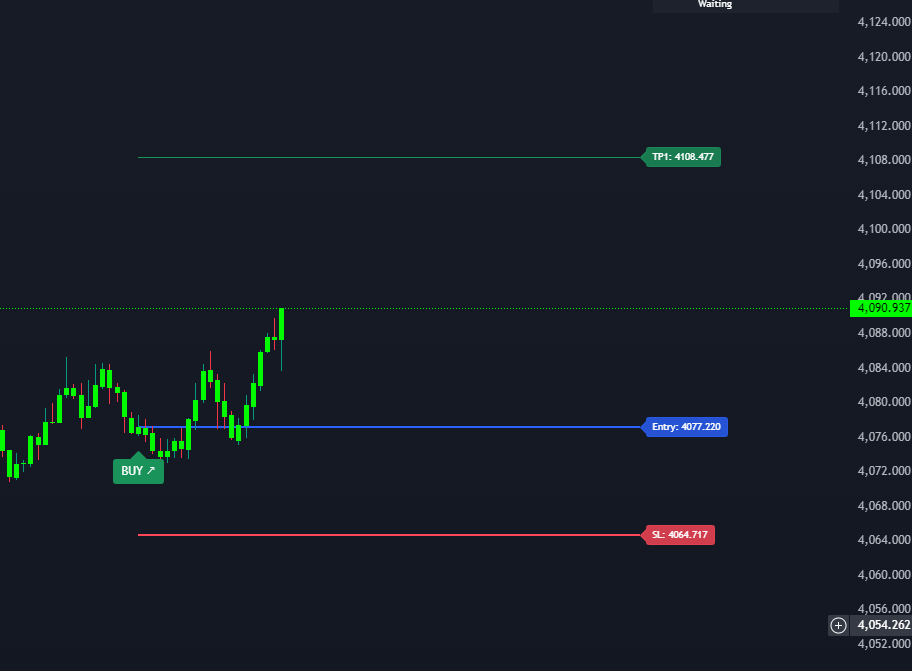
“Plugged the .ex5 into MT5 in two minutes. It has been trading Gold for me 24/7 ever since.”
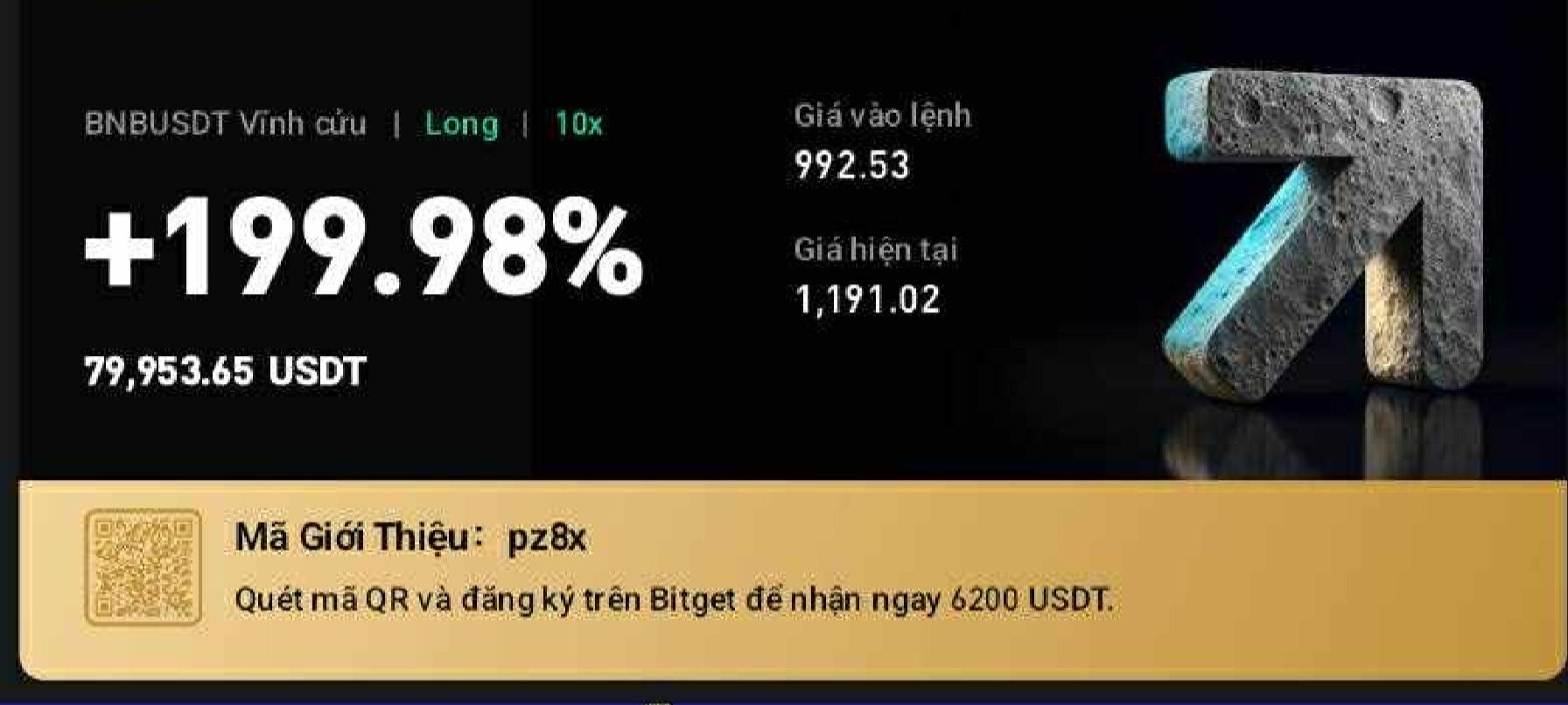
“Manual hesitation used to cost me. Now the bridge takes every setup the instant it appears. Paid for itself fast.”
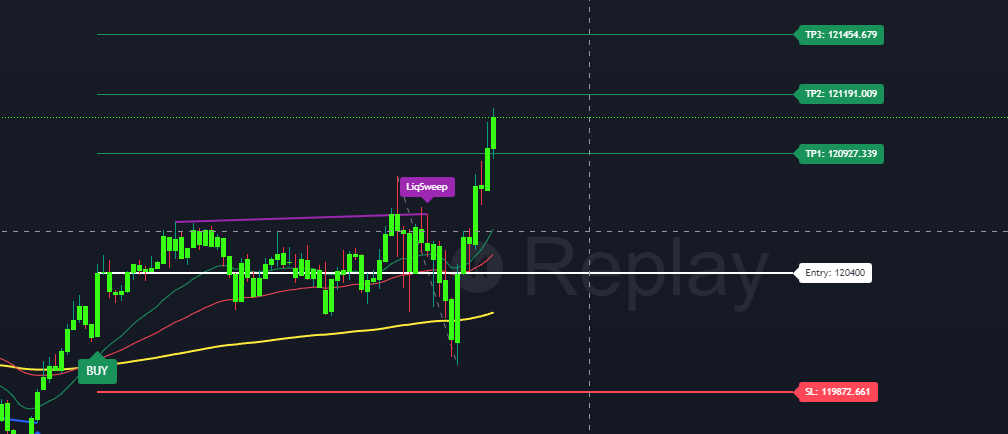
“Chaos into clarity. The EA trades while I sleep and I wake up to closed winners. Best upgrade I have made.”
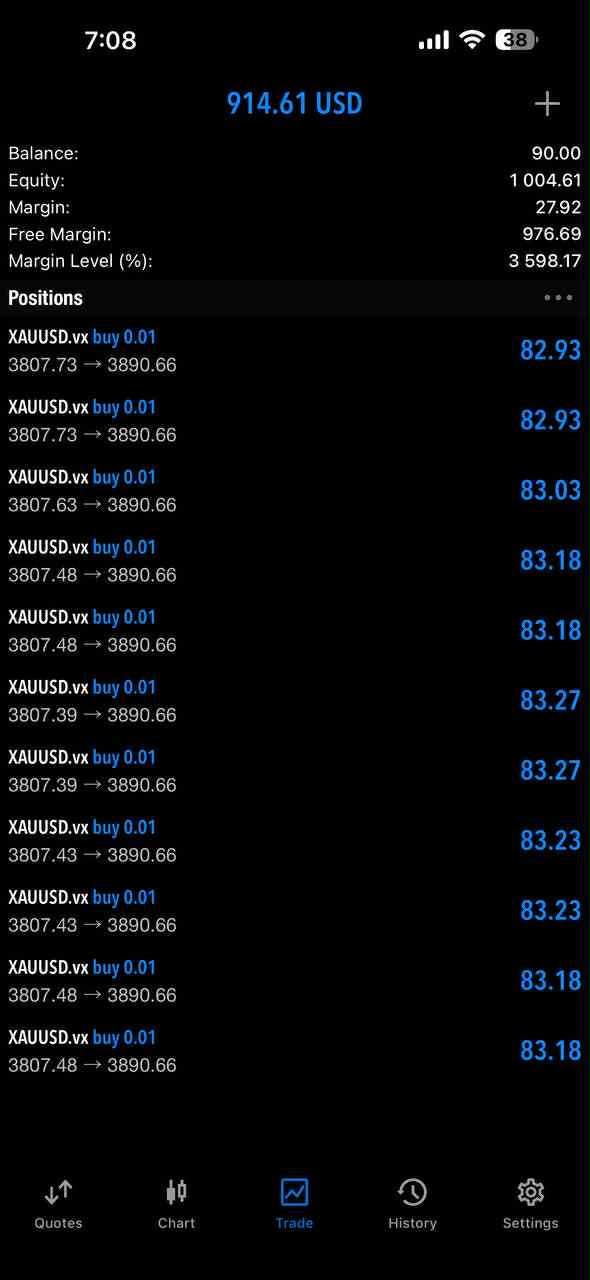
“No more screen-watching. The automation enters only when the signal confirms. I just let it run.”
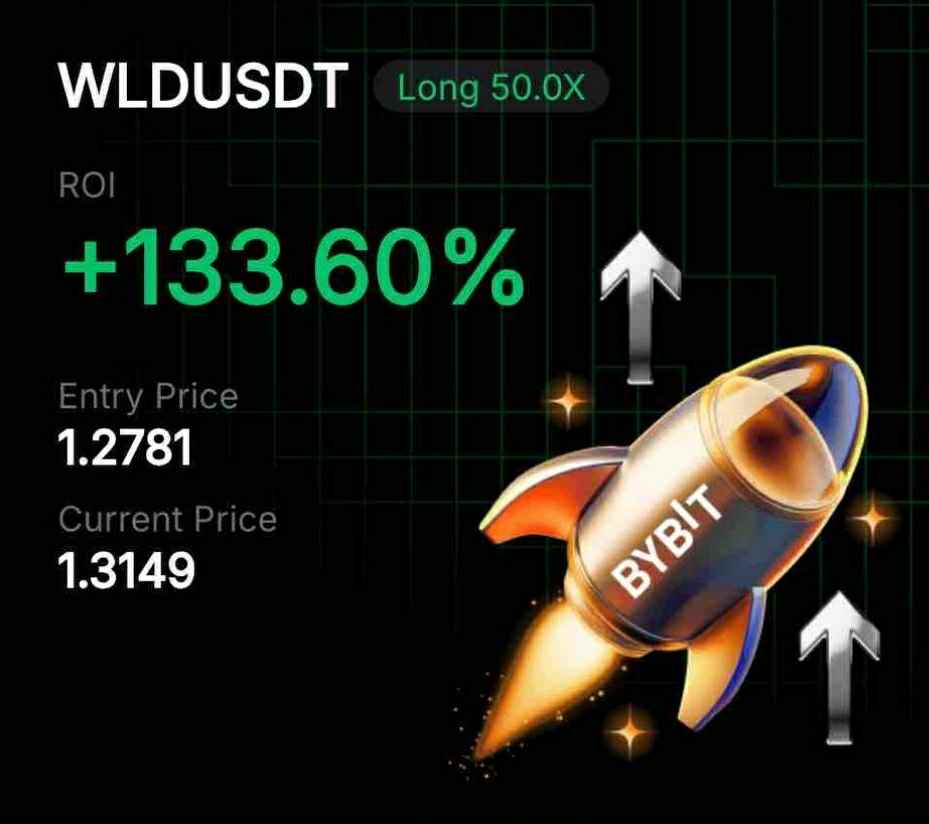
“Auto TP ladder and trailing made me disciplined. Real gains locked in, not just good entries left on the table.”
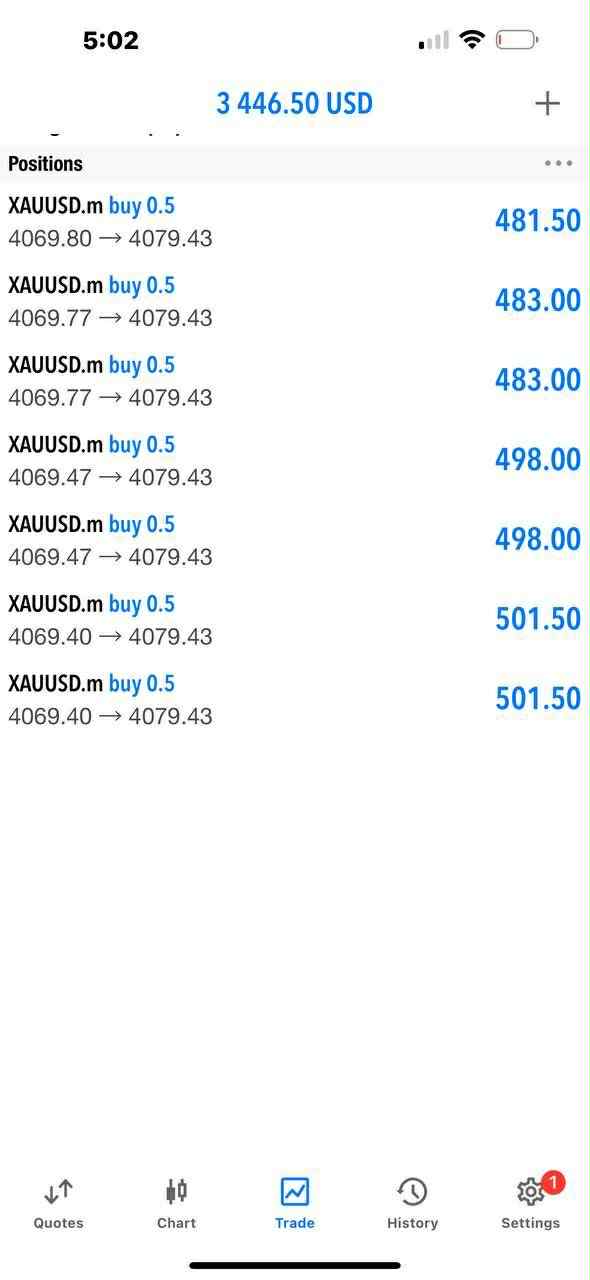
“Setup once, runs forever. High-probability signals get executed for me. I just follow the equity curve up.”
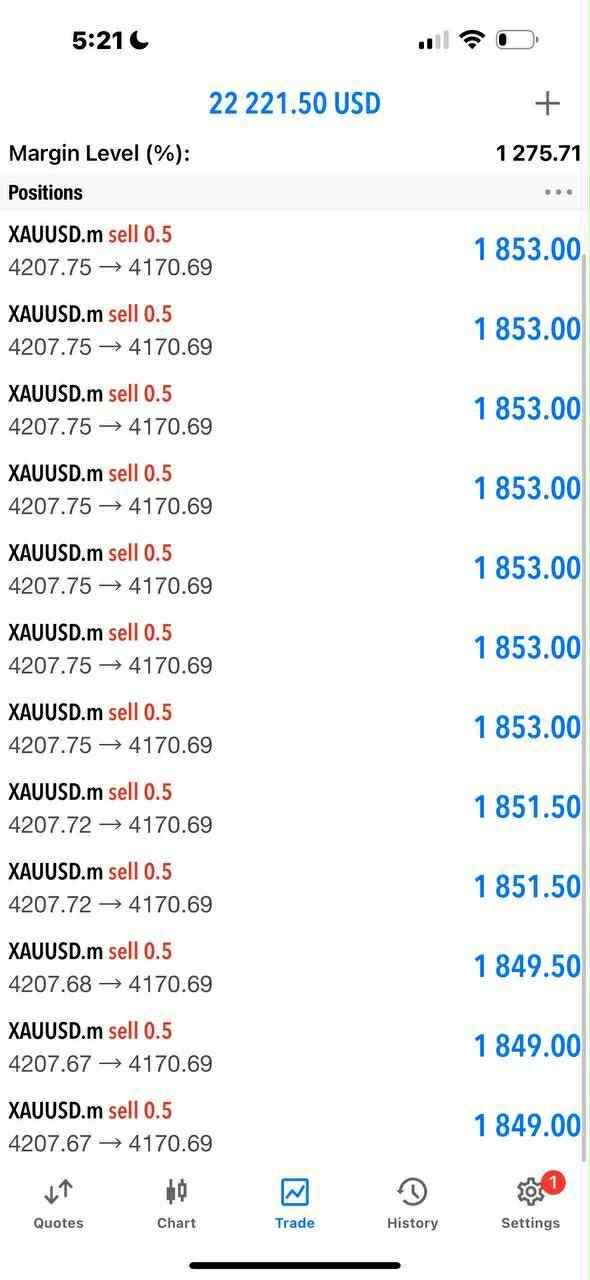
“If you are serious, automating the signals is the obvious step. Cleaner execution, better outcomes, zero stress.”
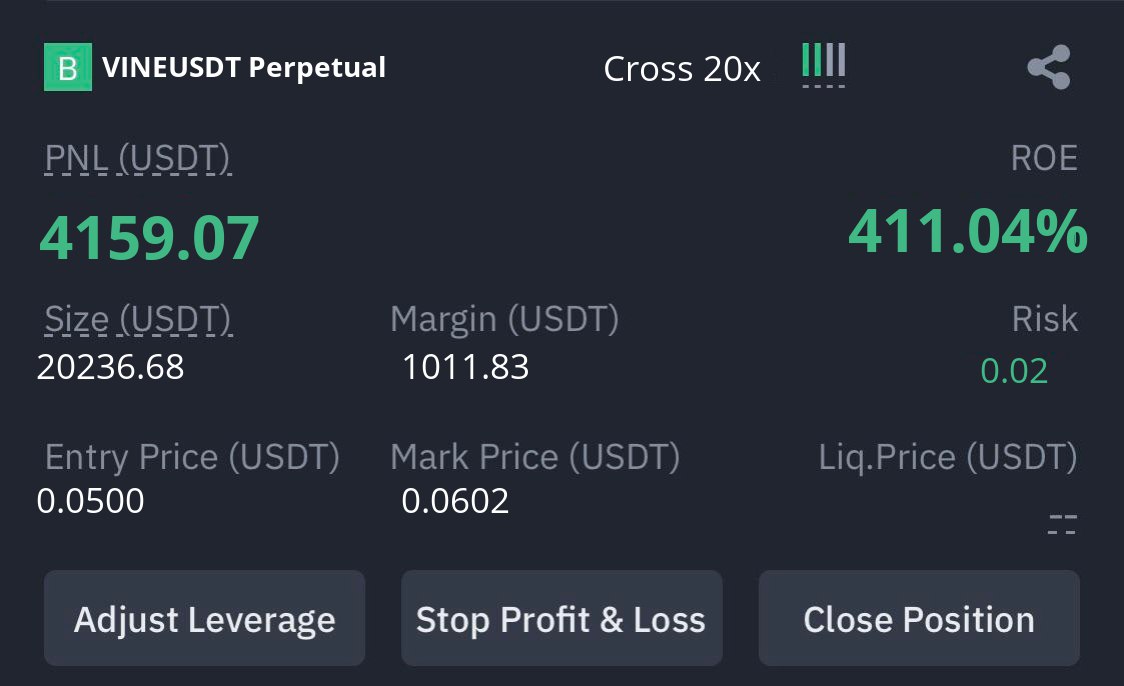
Pick monthly, yearly or own it for life
Same Automation, same features, 2 accounts in every plan. Pay as you go, or pay once and never again.
- 2 trading accounts (MetaTrader or Binance/Bybit)
- MT4 & MT5 executor EA + every update
- Crypto auto-trade on Binance & Bybit
- Step-by-step setup guides & video
- Works with ZynAlgo TradingView indicators
- Priority 1:1 setup support
- 2 trading accounts (MetaTrader or Binance/Bybit)
- MT4 & MT5 executor EA + every update
- Crypto auto-trade on Binance & Bybit
- Step-by-step setup guides & video
- Works with ZynAlgo TradingView indicators
- Priority 1:1 setup support
- 2 trading accounts (MetaTrader or Binance/Bybit)
- MT4 & MT5 executor EA + every update
- Crypto auto-trade on Binance & Bybit
- Step-by-step setup guides & video
- Works with ZynAlgo TradingView indicators
- Priority 1:1 setup support
Everything you need to go live
Every plan includes the full setup guides in your account’s Knowledge Base. Here is what you need before you start:
- A ZynAlgo indicator on your TradingView chart
- TradingView Pro or higher for webhook alerts
- An MT4/MT5 account — start on demo
- A VPS (recommended) to keep the EA running 24/7
Frequently asked
Do I need a ZynAlgo indicator as well?
Which platforms does it work with?
How many trading accounts can I connect?
Do I need to know how to code?
How long does setup take?
Does it work with every ZynAlgo signal?
What else do I need to run it?
Will the signals repaint or misfire?
What happens if I cancel Monthly or Yearly?
Can I move to another plan later?
Can I get a refund?
Does Automation guarantee profits?
How do I get access after paying?
What does paying with crypto cover?
Stop watching. Start executing.
Connect your broker once and let every ZynAlgo signal fire itself on MT4, MT5, Binance and Bybit: entry, stop, target and trailing, hands-off.
Monthly, yearly or lifetime · 2 accounts · priority 1:1 supportTrading involves substantial risk of loss and is not suitable for every investor. Automation executes signals according to your settings and does not guarantee results. Past performance is not indicative of future results.