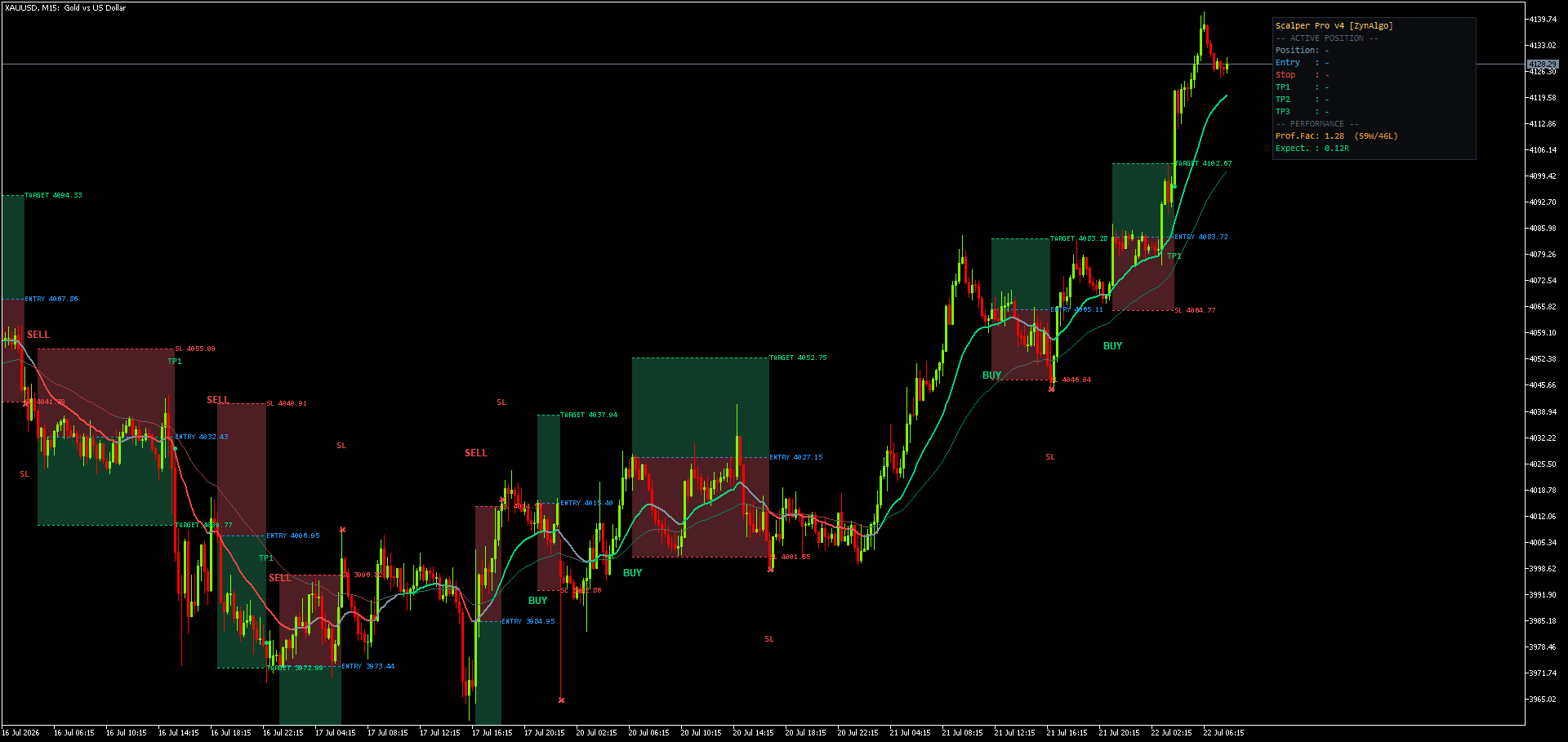
MT4 EA That Trades Trendline Pullback Signals Automatically
You see it happen more often than you would like: the pullback onto the EMA stack forms exactly the way you expected, and by the time you get back to the screen the candle has already closed and the move is gone. Or the reverse happens, you catch it, but you hesitate on the stop size and the entry price has moved by the time you click. Either way, the signal was right. The execution was the problem.
An MT4 EA that trades trendline pullback signals automatically
Trendline v5.0 Strategy is built for exactly that gap. It is the auto-trading version of the Trendline v5.0 indicator for MetaTrader 4, and it is not a new set of rules layered on top. It runs the same signal engine, bit for bit: the four signal modes, the Sensitivity and Signal Strength mapping, the range based Sentiment Range MA that flags when the market is flat, the shared cooldown, and the multi-timeframe confluence check. With matching inputs, the Strategy places orders on precisely the entries you would already see printed on the chart. Nothing is invented on top of the indicator's logic; the Strategy adds the execution layer the indicator never had, including lot sizing, stop and target placement, and stop to breakeven management.
How a signal becomes a trade in a real session
Say you run the Strategy on EUR/USD, H1, in Mode 4 (the default mean reversion mode). On every completed bar the engine replays its history and checks whether RSI has reversed at the edge of the 50 bar range while the Sentiment Range MA reads flat. The still forming bar is excluded, so nothing repaints. When a valid signal closes:
- The entry is taken at the close of that signal bar.
- The stop is set at ATR(14) times the SL Distance multiple away from entry.
- Each enabled target (TP1, TP2, TP3) is derived as an R multiple of that stop distance.
- Position size, fixed lot or a percent of equity risked against the stop, is split across the enabled targets, each as its own broker ticket sharing one stop.
- Once the trigger target (TP1 by default) is banked, the remaining legs move their stop to breakeven.
While that group is open, Stability Mode blocks a new entry even if a fresh signal fires, so you never end up with two trendline trades stacked on the same instrument. The other three modes work the same way mechanically; only the entry condition changes, from a pullback onto a stacked EMA set (Mode 1), to the bar where three EMAs first stack in trend order (Mode 2), to a fast/slow RSI crossover (Mode 3).
Trendline v5.0 Strategy MT4
Execute Trendline v5.0 signals automatically on MT4 with managed stops and partial take-profit orders.

Who this fits
This suits a trader who already understands the Trendline v5.0 signal logic, whether from using the indicator or from testing the Strategy on demo, and who wants those specific setups executed without needing to sit through every candle close. It is built for FX majors, gold, index CFDs and large cap crypto on M15 to H4 charts, where the ATR based stop and R multiple targets have room to work. It is not a plug in for a strategy you have not evaluated; you are automating a signal you already trust, not outsourcing the decision of whether the signal itself is sound.
What it does not do
The Strategy does not pick a signal mode for you, and it does not tell you which mode fits current conditions. Mode 4 is mean reversion; Modes 1 to 3 are trend following, and running the wrong mode into the wrong kind of market is on the trader, not the software. It does not adapt its stop or target logic beyond the ATR and R multiple settings you configure, and the bars in trade cap (InpMaxTradeDuration) is a dashboard statistic only, it will not force close a live broker order. It requires Allow DLL imports and a valid ZynAlgo access key at all times, including in the Strategy Tester, so it will not run unattended if that license check fails. And because it trades one instrument's signal group at a time by design (Stability Mode), it will not diversify entries across a basket for you. None of this replaces a demo test on your own broker and spread conditions before it touches a live account.
Trading involves risk, and automating an entry does not remove that risk. Trendline v5.0 Strategy is an execution tool, not financial advice, and nothing here should be read as a projection of results. Always test on a demo account first and confirm the behavior matches your broker's spread and slippage before running it live.
Pairing it with other tools
The Strategy's session filter restricts trading to a server time window, but it has no awareness of scheduled news releases. Traders who want to keep the Strategy from opening new groups around high impact data often pair it with News Sweep Sentinel MT4, which watches for scheduled news windows on the instruments you trade, so you can decide separately whether to pause the EA around those events.
If you already use the Trendline v5.0 signal logic and want it executed without watching every bar close, Trendline v5.0 Strategy is available on the ZynAlgo marketplace.
Trendline v5.0 Strategy MT4
Execute Trendline v5.0 signals automatically on MT4 with managed stops and partial take-profit orders.