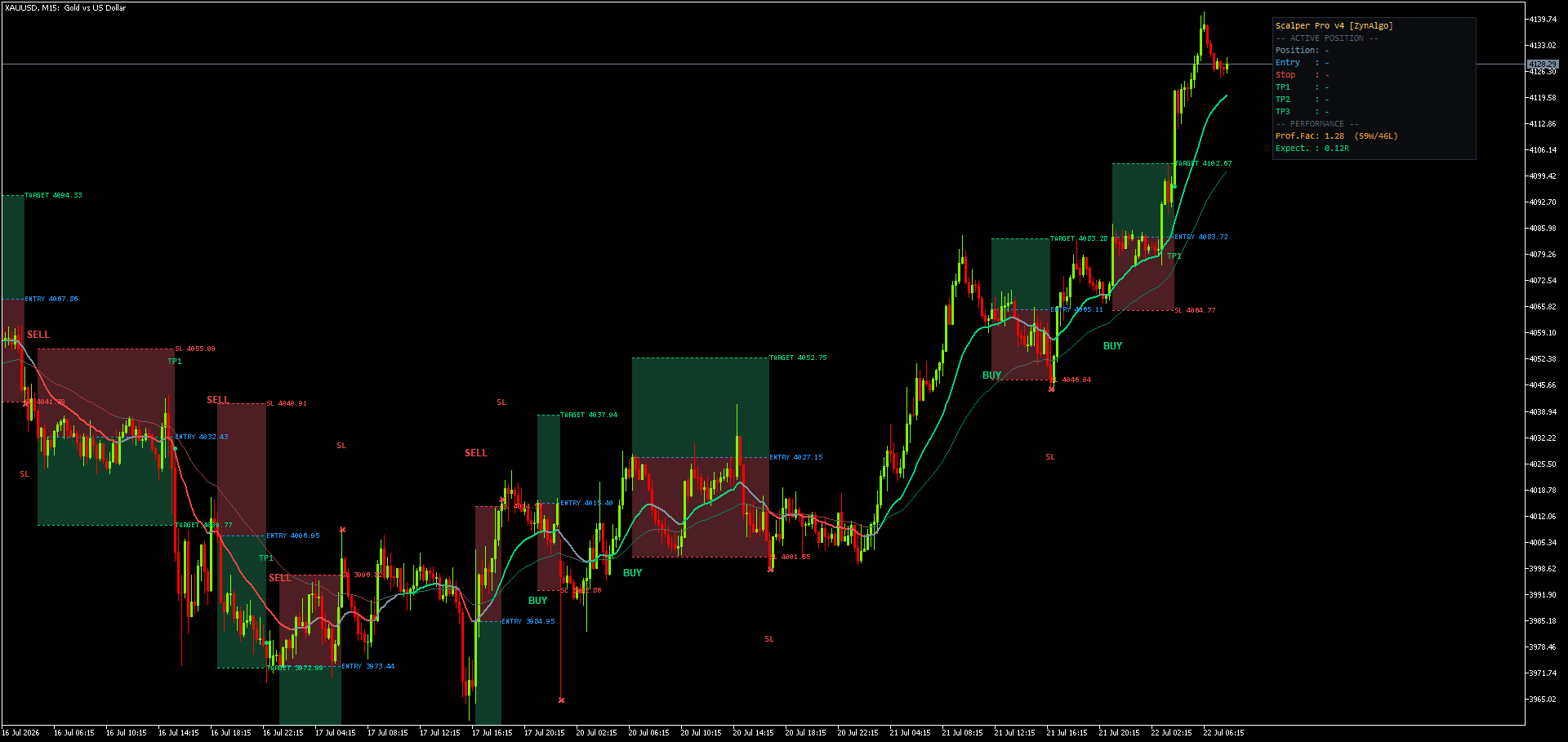
How to Automate Breakeven and Partial Exits in NinjaTrader 8
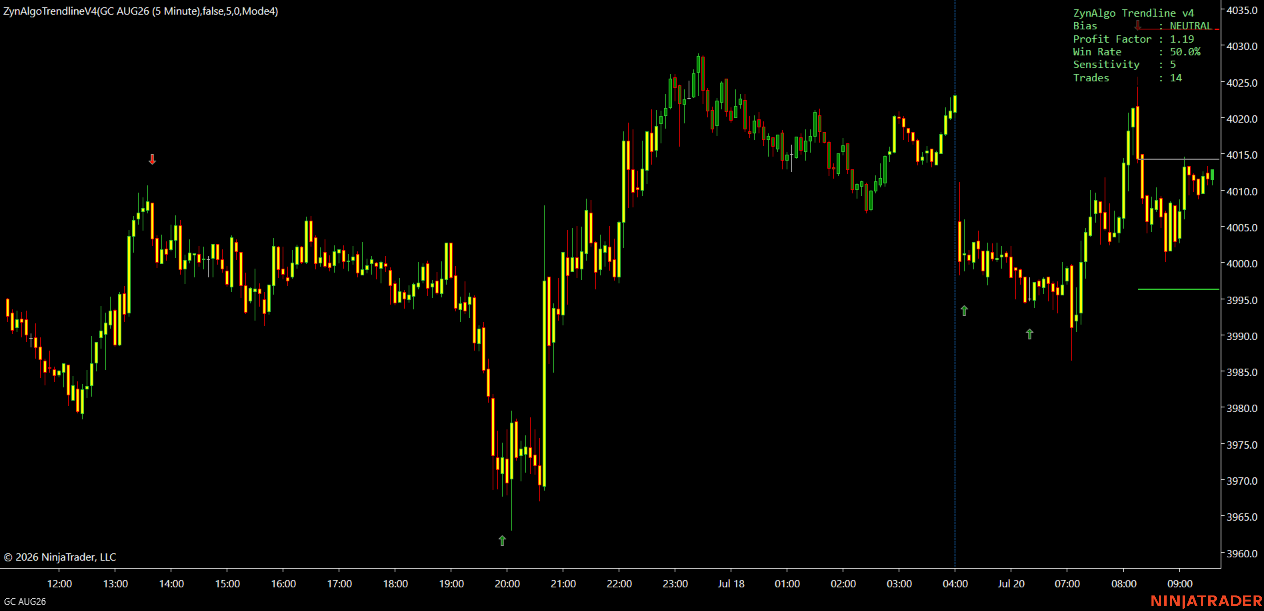
You get a clean signal on the NQ 5 minute chart during the New York open, get filled, and now the real work starts. You need to watch for the first target so you can bank part of the position, move the stop to breakeven so the trade can't turn into a loser, and maybe tighten the stop further if price keeps running. Step away for ten minutes to handle something else and one of those three things gets missed, not because your plan was wrong but because you weren't looking at that exact moment. If you want to automate breakeven and partial exits in NinjaTrader, the real question isn't which indicator to add. It's who is managing the trade after you click buy: you, or the platform.
What the Strategy actually does
Trendline v5.0 Strategy is the automated version of the Trendline v5.0 indicator for NinjaTrader 8. It doesn't add new rules for when to enter. It runs the same signal engine, the same four modes, the same range-based Sentiment Range MA that reads the market as flat or trending, and the same cooldown and filters, then places and manages the resulting trade for you instead of leaving it as a chart drawing.
What it adds is the execution layer around that signal:
- Position sizing by a fixed contract count, a percent of equity risked against the stop, or a custom tick-based size
- Up to three take profits, each closing a set percentage of the position, or a single-target Simple mode that closes on the opposite signal
- A stop that moves to breakeven once a chosen trigger is reached, plus an optional trailing stop on what's left
- Optional equity-protection limits (max drawdown, daily profit, daily loss) that pause new entries
- One position group open at a time, so a fresh signal never stacks on top of a live trade
Automate breakeven and partial exits in ninjatrader
Here is what that looks like on an actual session. Say you're running Mode 4 (the default range-reversal engine) on a 5 minute NQ chart. A signal prints on a closed bar, and the Strategy takes the entry at market, non-repainting, since the still-forming bar is never used.
From there it works through a fixed sequence:
- The stop is set from an ATR-based distance or a fixed tick distance, depending on your stop-loss mode.
- Each enabled target is derived as a reward multiple of that stop distance, or from a tick distance in custom-tick mode.
- The total position is split across the enabled targets by your close percentages, so part of the trade banks early while the rest keeps running.
- Once the breakeven trigger is met (by ticks, after the first target, or after the second), the stop moves to entry automatically.
- If trailing is enabled, the stop on the remaining size advances as price moves in your favor.
None of this needs you at the screen. You set the sizing mode, the breakeven trigger and the trailing method once, and the Strategy repeats the same sequence on every signal it takes, whether you're watching or not.
Trendline v5.0 Strategy NT8
Execute the exact Trendline v5.0 signal engine automatically on NinjaTrader 8 with configurable position sizing, multi-target exits, breakeven handling and equity protection limits.

Who it fits
This is built for someone who already trades, or is prepared to trade, the Trendline v5.0 signal logic on NinjaTrader 8 and wants consistent execution behind it. It suits futures traders who size by risk percent rather than a flat contract count, and anyone running multiple charts or a day job who can't reliably babysit a trade through its full life. It's less useful if you want to override exits by feel once a trade is live. The Strategy manages by rule, and those rules are the ones you set before you enabled it.
What it does not do
The Strategy does not improve on the underlying signal logic. If a mode is prone to false starts in a given market condition, automating the execution doesn't fix that; it just executes the same decision faster and more consistently. It doesn't guarantee fills at the exact stop or target price, especially in fast or thin markets where slippage is possible. It doesn't remove the need to pick an instrument and session that suit the mode you're running. It requires a NinjaTrader 8 install with a machine licensed to your account, and it can't place a single order without that license and without being explicitly enabled. And equity protection, breakeven and trailing are all switched by input; none of them do anything until you turn them on and test the settings on a simulation account first.
Pairing it with other NinjaTrader tools
The Strategy handles entries and exits; it doesn't tell you whether the broader market is compressing, trending or chopping around a level. Phase Filter NT8 runs in a separate pane and classifies the current market phase (building, trending, pulling back or faking a break) so you can see the context the Strategy is trading into before you enable it. MTF Command Center NT8 does something similar across timeframes: it reads structure on multiple timeframes at once and shows whether they agree, without generating any entries of its own. Both are read-only context tools you'd check alongside the Strategy, not signal generators competing with it.
Trading futures carries risk, including the risk of loss beyond what any stop order can guarantee in a fast market. Trendline v5.0 Strategy is an automated execution tool, not financial advice, and nothing here predicts future results. Test any configuration on a simulation account before running it live.
If inconsistent trade management is the gap between your plan and your results, Trendline v5.0 Strategy for NinjaTrader 8 is worth a look on sim first.
Trendline v5.0 Strategy NT8
Execute the exact Trendline v5.0 signal engine automatically on NinjaTrader 8 with configurable position sizing, multi-target exits, breakeven handling and equity protection limits.